Your AI asks. You sign.
When a document needs your signature, a window opens on your Mac. You see the document, sign it, and your AI agent gets the signed PDF.
Version 1.0 · free · macOS 14 or later · signed and notarized by Apple
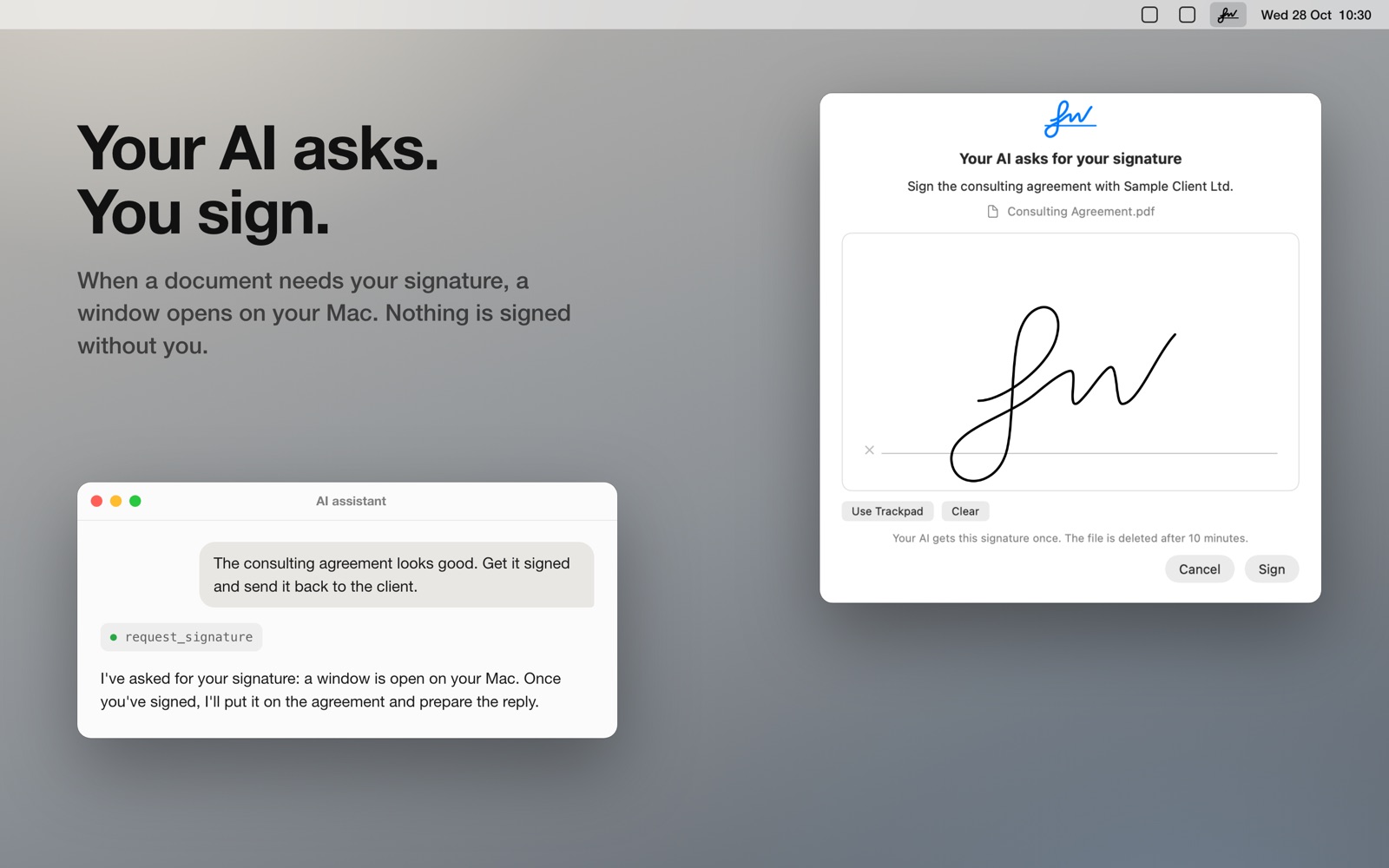
Nothing is signed without you
Every request opens a window that names the AI app, says what it's for and shows the document. You draw the signature and click Sign.
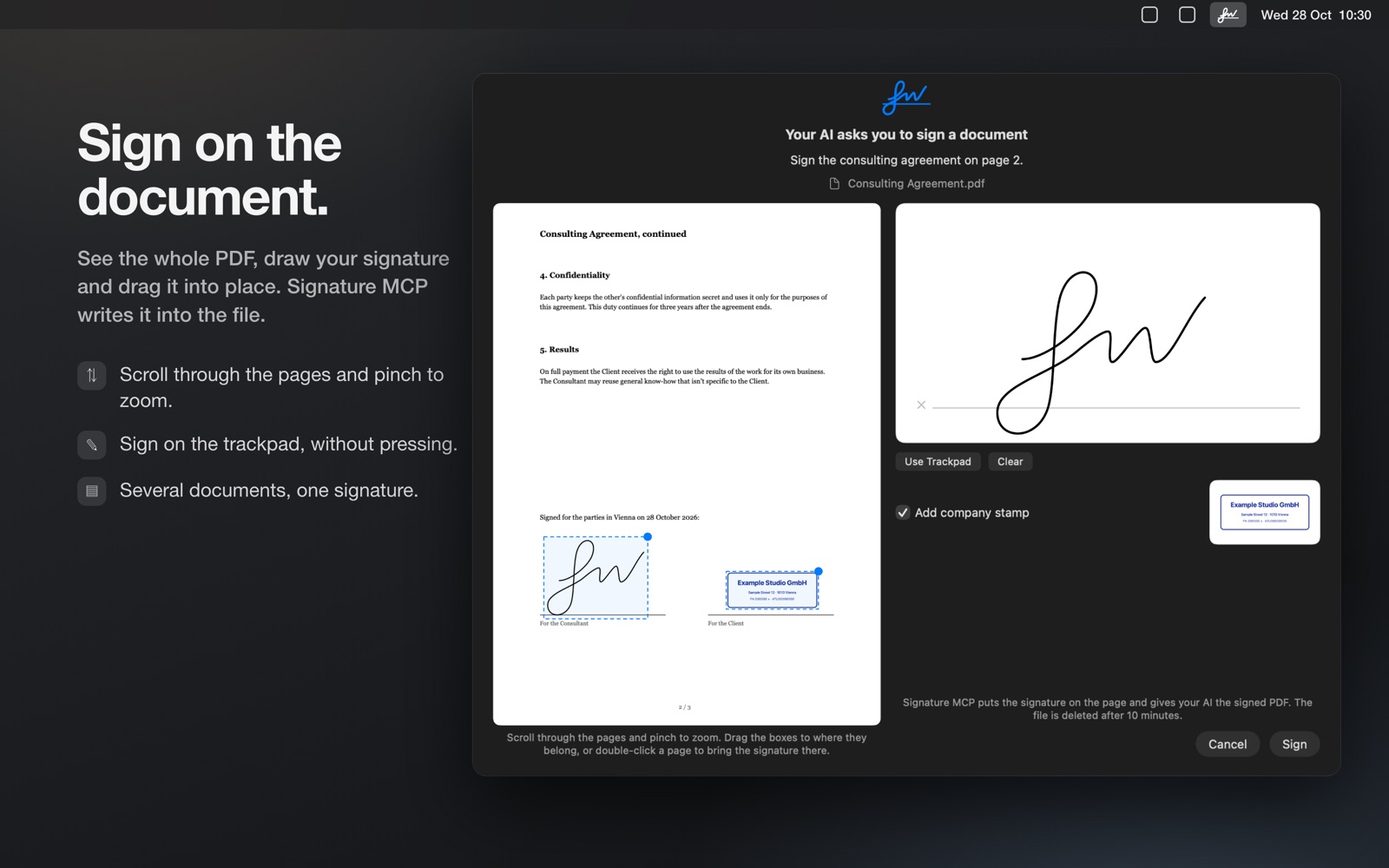
Sign on the document
Scroll through the PDF, pinch to zoom, and drag your signature to where it belongs. Signature MCP writes it into the file.
For your company
Add your name, role and company stamp once. They go with the signature when your AI asks and you agree.
Disposable by design
A signature is drawn fresh for every request. The files your AI receives are deleted after ten minutes.
Works with any AI agent
Signature MCP is an MCP server in your menu bar. Copy the setup prompt, paste it into your agent, and it connects itself.
Private
The server only listens on your Mac. No account, no tracking. Signature MCP collects no data.
What you need
- A Mac with macOS 14 or later
- An AI app that supports MCP servers
Good to know
A signature drawn in Signature MCP is a simple electronic signature. Some documents need a handwritten or a qualified electronic signature instead, and a company stamp has no legal force of its own. Signature MCP doesn't check who signs and gives no legal advice.